Why PDF Forms Are a Nightmare for Blind Users—And How Voice Form Filling Changes Everything
Imagine needing to fill out a medical form at your eye doctor's office—but you can't see it. For millions of visually impaired people, this isn't hypothetical. It's a frustrating reality they face regularly.
The irony runs deep: ophthalmology practices, the very places treating vision problems, routinely hand patients PDF forms that are completely inaccessible to people with visual impairments.
The Hidden Problem with PDF Forms
Here's what most people don't realize: not all PDFs are created equal when it comes to accessibility.
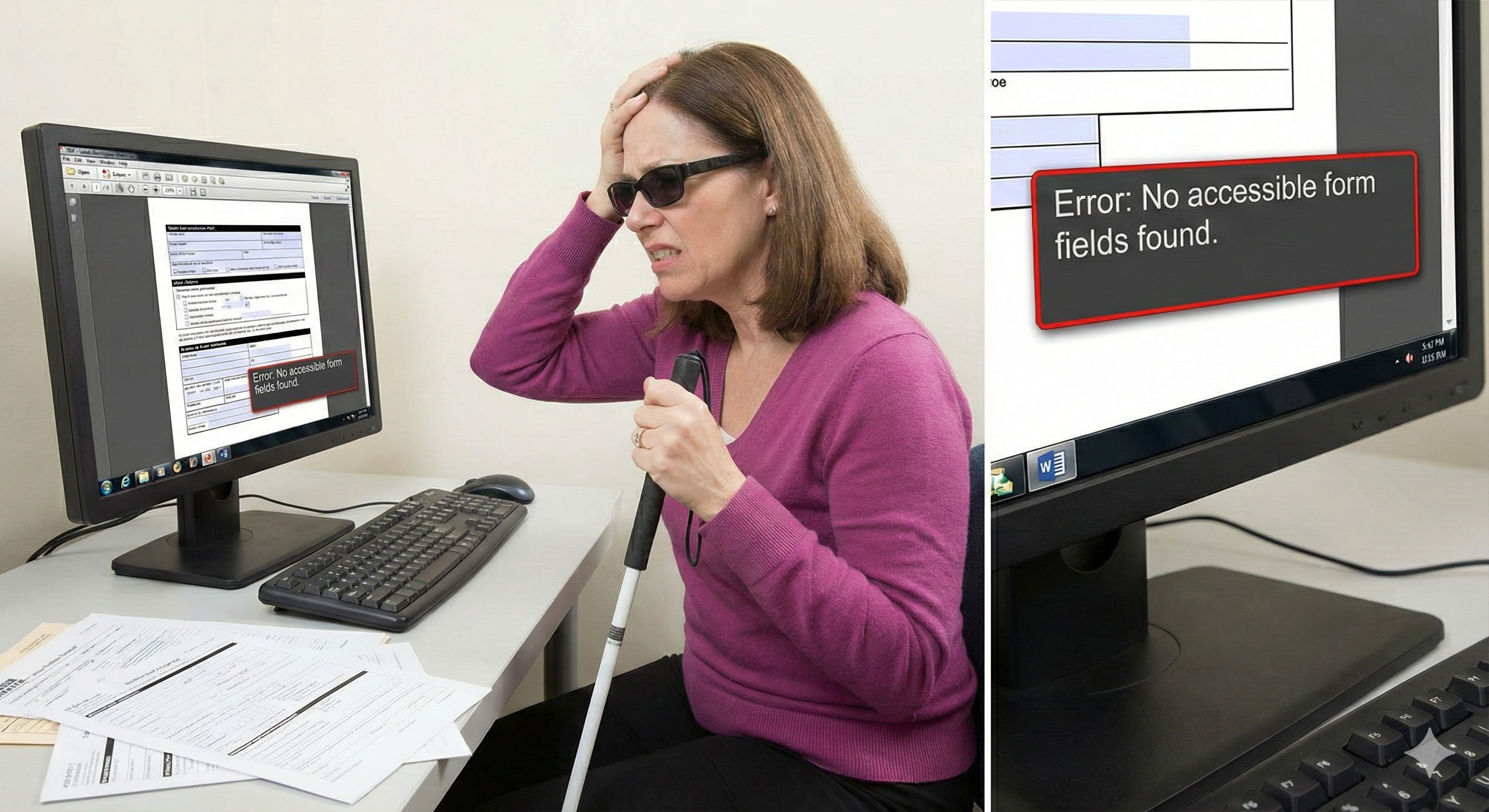
When someone creates a PDF, they have two options. They can create a properly tagged, fillable form with interactive fields. Or they can simply scan a paper document—or worse, create a "flat" PDF where the form fields are just images of text.
For sighted users, these look identical. For blind users relying on screen readers, the difference is everything.
Why Screen Reader PDF Forms Often Fail
Screen readers work by interpreting the underlying structure of a document. When a PDF has proper form fields with labels and tags, the screen reader can announce "First Name, text field" and allow the user to type their answer.
But when a PDF is just a scanned image or lacks proper tagging? The screen reader sees nothing. It might announce "image" or simply stay silent. The user knows there's a form somewhere on the page, but they have no way to interact with it.
Research paints a grim picture. A study analyzing over 11,000 PDFs found that only 2.4% met basic accessibility criteria. That means roughly 97 out of every 100 PDF documents fail people who rely on assistive technology.
The Real-World Impact
Consider what this means in practice:
- Medical intake forms at doctor's offices often arrive as flat PDFs
- Government documents like tax forms may lack proper field labels
- Insurance paperwork frequently uses scanned documents
- Employment applications might be locked images rather than fillable forms
One screen reader user shared their experience trying to complete a 1040 tax form: despite using the latest assistive software, they couldn't fill it out online and eventually had to print a paper copy and ask a sighted person for help.
This isn't independence. It's a workaround for a broken system.
The Ophthalmologist Paradox
Perhaps nowhere is this problem more absurd than in eye care settings.
Ophthalmologists and optometrists treat patients with vision loss every day. Yet many of these practices still rely on paper forms or inaccessible PDFs for patient intake.
Industry guidance is clear: "It is incorrect to assume all patients are able to complete paper forms." Experts recommend that eye care offices offer alternatives—digital forms, staff assistance, or documents with at least 18-point fonts.
But in practice? Many patients with visual impairments still receive the same tiny-font, non-fillable forms as everyone else. They're expected to somehow complete paperwork they literally cannot see.
If you work in eye care, consider this: what forms do your patients fill out? Could someone with severe vision loss complete them independently? If not, you're creating barriers for the very people you're trying to help.
Why Traditional Solutions Fall Short
The standard advice for making PDFs accessible involves:
1. Adding proper tags and structure
2. Including alternative text for images
3. Ensuring form fields have labels
4. Setting the correct reading order
This is excellent guidance—for document creators. But it doesn't help the person who just received an inaccessible form and needs to fill it out today.
You can't retrofit accessibility onto a scanned document. You can't magically add form fields to a flat PDF. The user is stuck with whatever they've been given.
Voice Form Filling: A Different Approach
What if instead of trying to fix inaccessible PDFs, we approached the problem differently?
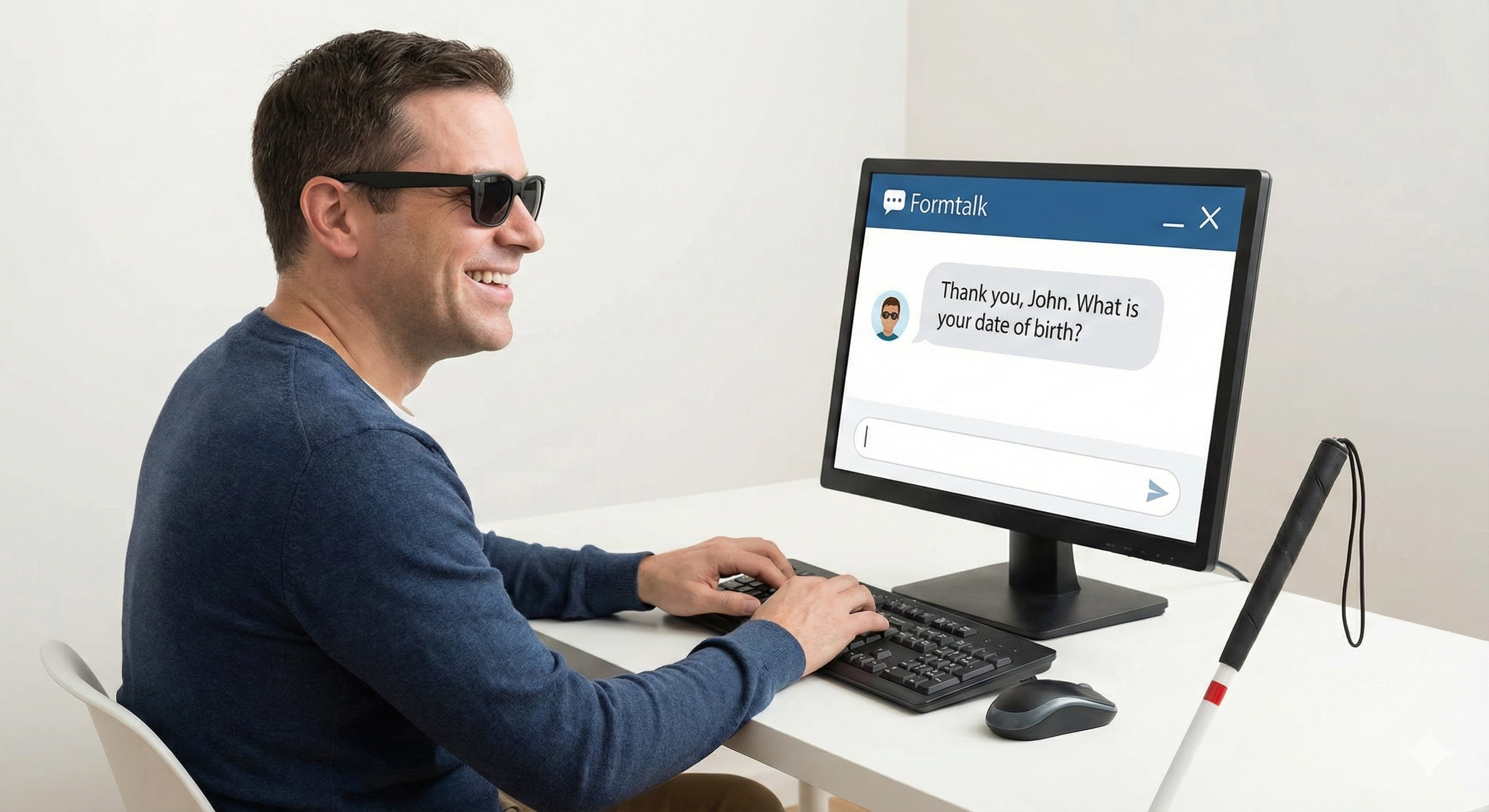
Voice form filling flips the traditional model. Instead of struggling to navigate a visual form with assistive technology, users have a conversation. They speak their answers, and the form gets filled automatically.
This approach works regardless of how the original PDF was created. It doesn't matter if the form has proper tags, correct reading order, or interactive fields. The voice system reads the form, asks questions, and captures answers through speech.
For someone who is blind or visually impaired, this eliminates the biggest pain points:
- No more hunting for form fields that screen readers can't find
- No more guessing which blank corresponds to which question
- No more asking for help to complete basic paperwork
How FormTalk Approaches This
FormTalk was built with exactly this problem in mind. Upload any PDF—fillable or not—and start a voice conversation. The AI identifies what information the form needs, asks you questions in plain language, and fills in your answers.
You can throw in that inaccessible medical intake form, the scanned insurance document, or the flat government PDF. FormTalk will figure out what it's asking for and walk you through it conversationally.
When you're done, download the completed PDF with all your answers in place. Most of the work happens through voice, with minimal visual interaction required.
Moving Forward
PDF accessibility for blind users won't be fixed overnight. Document creators will continue producing inaccessible forms. Organizations will keep scanning paper documents. Screen readers will keep encountering PDFs they can't interpret.
But individuals don't have to wait for systemic change. Voice form filling offers a practical solution today—a way to complete paperwork independently, without relying on the document being properly made in the first place.
If you've struggled with inaccessible forms, or if you work with patients and clients who have visual impairments, consider whether voice-based alternatives might help.
The goal isn't perfect PDF accessibility. It's giving people a way to fill out forms without needing to see them.
---
Ready to try voice form filling? Upload a PDF to FormTalk and complete it through conversation—no screen reader gymnastics required.